Unity is not the entry fee for augmented reality.
No-code AR means building the experience in a visual editor instead of a game engine: you upload a photo of the printed thing, drag video, images and text onto it, and publish. The print becomes its own tracking marker, the viewer opens a link in their phone browser with nothing to install, and there is no C#, no build pipeline and no app review anywhere in it.
Every no-code AR platform closed inside fifteen months.
This is not a sales framing — it is the reason the question keeps being asked. Dates below are from each vendor’s own announcement, checked in August 2026.
Closed to third-party creators. Meta put the platform at more than 400,000 creators across 190 countries; every effect they had built stopped being available on Facebook, Instagram and Messenger on that date, and Spark Studio itself went with it.
Discontinued on iOS, Android and Creative Cloud desktop. Files stayed downloadable until 3 December 2025, after which projects on Adobe’s servers became unreachable. Adobe has not shipped a replacement.
Logins, the cloud editor and asset export ended on 28 February 2026. Already-hosted campaigns keep working until 28 February 2027, and on that date every link stops and the data is deleted. The engine was open-sourced under MIT; the hosting was not.
If your work is on one of these, start with keeping AR art alive when platforms don’t — it covers what to save and what a shutdown actually takes with it.
The real cost is not the licence fee.
Unity and Blender are free to download. What they cost is the weeks before anything is on a phone, and a person who can drive them.
| Unity + AR Foundation | Blender | Interart | |
|---|---|---|---|
| What you install | The editor, an SDK, platform build tools | Blender — then still an engine to ship it in | Nothing. It runs in the browser |
| What the viewer installs | Your app, from a store | — | Nothing. It opens in their phone browser |
| Skills assumed | C#, scene graphs, build pipelines, store review | Modelling, UVs, materials, export formats | Drag and drop |
| Time to something on a phone | Days to weeks | Days to weeks | Minutes |
| Who hosts and serves it | You do | — | We do. One link and one QR code per design |
| Changing it after the print run | New build, new store review | — | Republish. Existing codes show the new version on the next scan |
| Cost to find out | Free engine, paid developer time | Free, plus the same | Free — 3 published designs, 100 scans a month, commercial use included |
Photo in, QR code out.
-
1
Upload a photo of the printed thing
The packaging, the flyer, the card, the poster. Its own artwork becomes the marker, so nothing is printed on it that was not already in the design.
-
2
Drag the layers on
Video, images, text and 3D, positioned on a canvas — including past the edges of the piece, so things can float around it or sink behind it.
-
3
Publish and print the code beside it
You get one link and one QR code. Anyone who scans it points their phone at the printed piece and the layers play locked to it, in the browser they already have.
Longer walkthroughs, by artefact: an AR poster · an AR card.
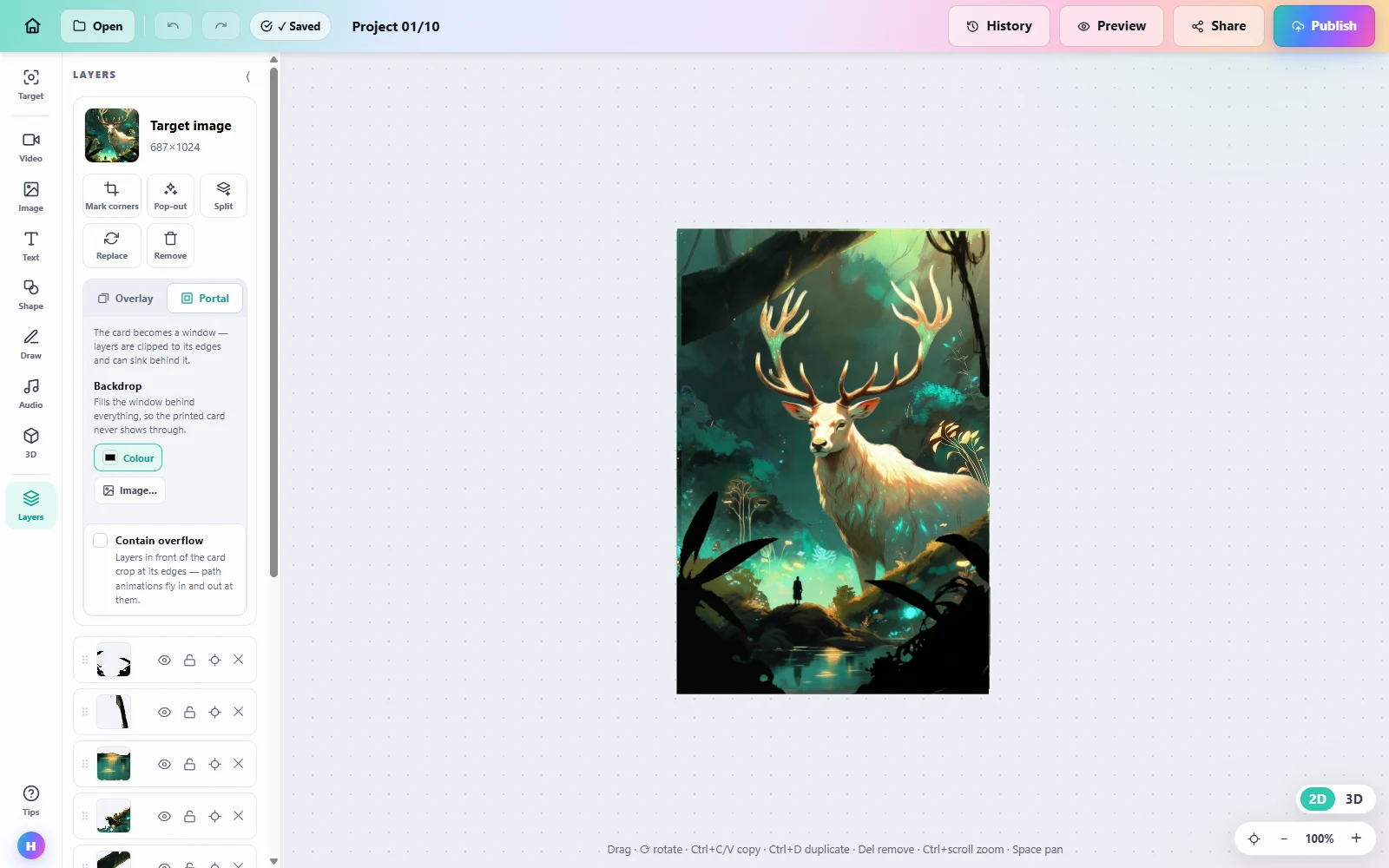
It is a layout canvas, not a scene graph.
Layers, a properties panel, drag to move, and the artwork pinned underneath as the anchor. If you have made a slide, you have used this before.
When you do still want a developer.
No-code has edges, and pretending otherwise wastes your afternoon rather than ours.
Scoring, physics, multiplayer, anything with rules — that is a game engine’s job. 8th Wall’s engine is open source under MIT now, and Unity is still Unity.
Placing a building on a street, or anything anchored to a face rather than a printed image, is a different technology from image tracking. This is not that.
If the experience has to live inside an app you already ship, you want an SDK. What we publish is a URL, which is a strength right up until it is not what you need.
Open a template, make it yours.
Interart’s AR templates are finished, working designs — open one in the browser editor, swap in your own artwork, and it’s yours. Each one teaches a technique with a built-in guided tour.
No account needed — sign up later and your work comes with you.
Put it on a phone this afternoon.
Start from a photo of the printed piece — the first reveal takes minutes.
Questions, answered.
No-code AR is augmented reality built in a visual editor rather than a game engine. You upload a photo of a printed piece, arrange video, image and text layers on it, and publish; the platform handles tracking, hosting and delivery. Nothing is compiled, and the viewer opens a link in a browser instead of installing an app.
Not for AR on a printed piece. Unity is a game engine and Blender is a 3D modelling tool; both are the right answer for games, custom logic or bespoke 3D, and both assume weeks of learning plus someone to drive them. Putting video and text on a poster, a card or packaging needs neither.
Nothing from those vendors. Meta closed Spark to third parties on 14 January 2025, Adobe discontinued Aero on 6 November 2025, and 8th Wall ended logins on 28 February 2026 with hosted links stopping on 28 February 2027. Niantic open-sourced 8th Wall’s engine under MIT, which helps developers and not marketers, because the hosting is the part that went away.
No. The experience runs in the phone browser that is already on the device — iOS Safari or Android Chrome. Viewers scan the QR code printed beside the piece and point the camera at it. That is also why a shutdown cannot take the doorway away: a browser is not a store listing.
Yes. The print never changes and the layers live online, so republishing with a new video or new text updates what every already-printed code shows on the next scan. It is the main practical reason to put the code beside the artwork rather than the experience inside an app.
Nothing. The free plan covers 3 published designs and 100 scans a month with commercial use included and no credit card, and the editor opens without an account — you are asked for one at publish. Pro is $18/month for 10,000 scans a month and unlimited designs.