How does AR image tracking work?
Image tracking turns your artwork into its own marker. The system studies a photo of the piece and extracts a fingerprint of distinctive points — corners, edges, texture. When a viewer points their camera, the same analysis runs on each live frame, the fingerprints are matched, and the math recovers exactly where the artwork sits in 3D space — many times a second, entirely on the viewer's device.
Step by step, in plain language
-
1
Learn the artwork
When you publish, the reference photo is analyzed for feature points — the sharp, distinctive spots a computer can reliably find again: corners of shapes, texture edges, contrast boundaries.
-
2
Find it in the feed
The viewer's browser runs the same analysis on the live camera image and asks: do these points match the reference? Enough confident matches, and the artwork is found.
-
3
Solve the pose
From where the matched points landed in the frame, geometry recovers the artwork's position, rotation and perspective — which is what lets a video sit ON the artwork, not float near it.
-
4
Follow the motion
Once locked, the tracker follows the artwork frame-to-frame as the phone and the piece move, re-checking itself continuously so the overlay stays pinned.
Why this explains everything else
More texture and contrast = more feature points = more matches to lock onto. A flat pastel wash offers the matcher almost nothing.
A reflection overwrites part of the artwork with the room's light — the points the tracker learned are literally not visible in the frame.
The fingerprint IS the marker. Printing a QR or glyph on the art would only add features — the art already has plenty.
Feature matching is arithmetic, and phones are fast. Modern web runtimes execute it at camera frame rates — no native app required.
The privacy part
On Interart, all of this runs on the viewer's device. The camera feed is analyzed in the browser and never uploaded — what travels over the network is the artwork's reference data coming down, not the viewer's world going up. That's not incidental; a camera experience strangers scan at an exhibition shouldn't phone home with their surroundings.
Questions, answered
Does AR image tracking upload my camera feed? Not on Interart. Camera frames are processed on the viewer's device, in the browser, and are never uploaded. What downloads is the reference data for the artwork being scanned; what the camera sees stays on the phone.
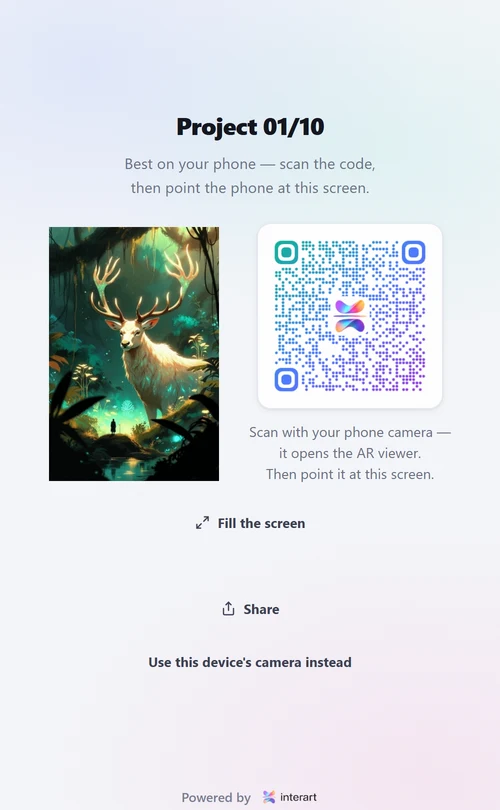
Does the artwork need a special marker printed on it? No. Modern image tracking treats the artwork itself as the marker — its own edges, texture and contrast are the fingerprint. QR codes are used only as a doorway to open the viewer, and they sit beside the art, never on it.
Why does my AR lock on faster in good light? Tracking matches what the camera sees against the reference it learned. Dim light means noisy frames with weaker detail; glare overwrites parts of the artwork with reflections. Both give the matcher fewer honest features to lock onto, so acquisition takes longer.
Go deeper
Make your reference photo worthy of the tracker: how to photograph artwork for AR. Confused about where QR codes fit in? QR codes vs image tracking. Or start making: WebAR for artists.